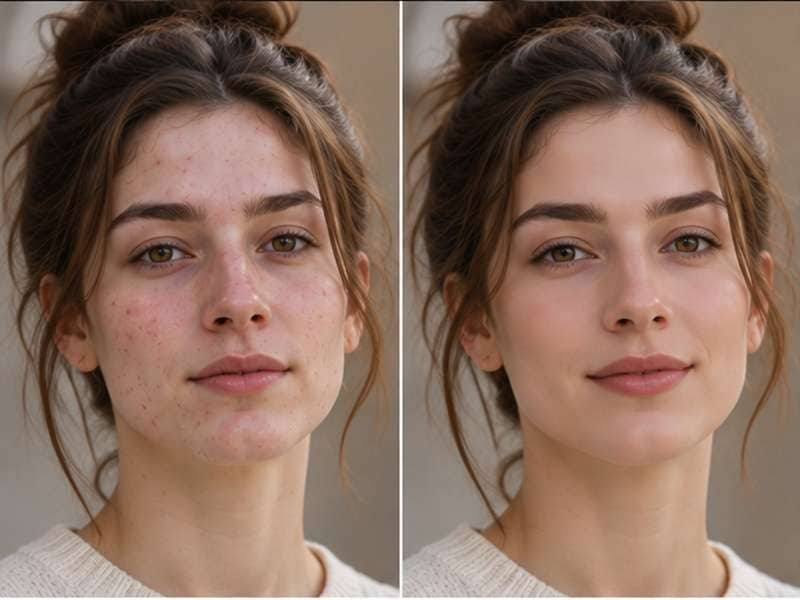
Natural face retouch
Gently reduce the appearance of under-eye bags and soften fine lines in this portrait. Keep natural skin texture, face shape, expression, lighting, and background as close to the original as possible.















Want to edit a face in a photo without starting over? Media.io's AI face editor lets you retouch facial details, change expressions or hairstyles, and try a different look. Choose a ready-made effect or describe a precise change in your own words, then generate and review the result.
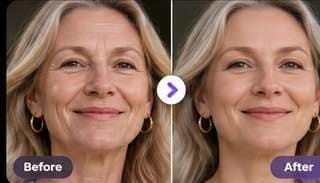
Soften the look of wrinkles, reduce under-eye shadows, brighten teeth, or refine another visible detail. The goal can be a subtle touch-up, not an entirely different face.
For selfies and portrait touch-ups, explore more AI face enhancement prompts.
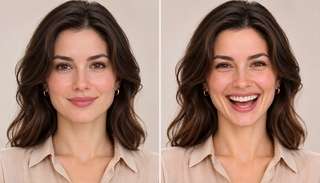
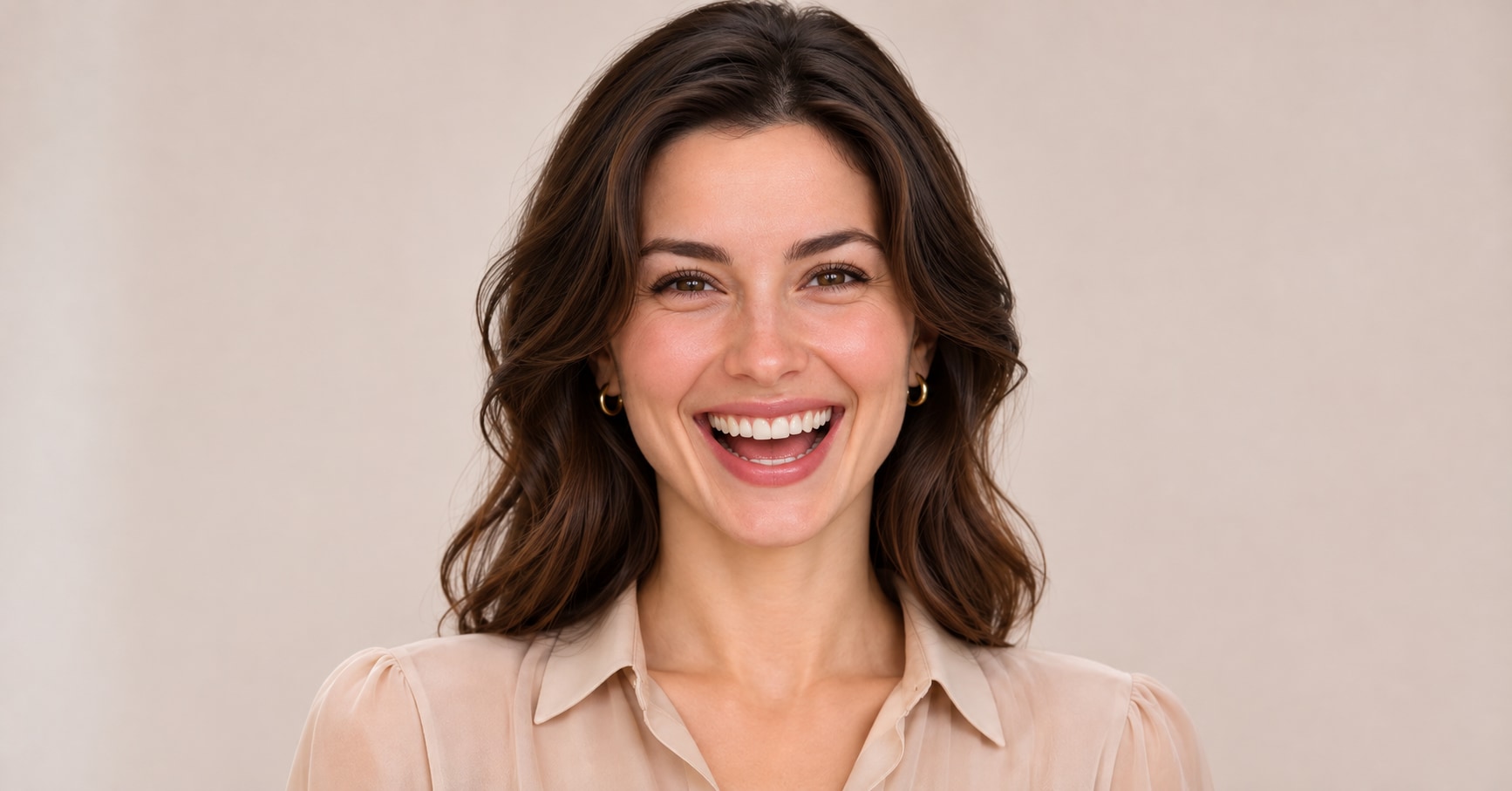
Try a more relaxed smile or another available expression when the picture is right but the face does not match the moment you want to share.
For profiles, portraits, and group photos. Get free AI prompts for smiling face.
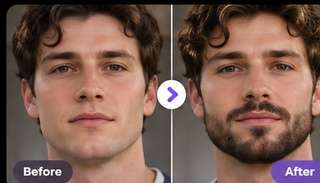
Compare hairstyles, add a beard, or remove facial hair from your portrait before making a real-world styling decision.
For hairstyle and grooming previews. Get free AI hairstyle prompts here.
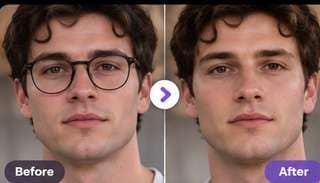
Try edits such as glasses removal or other available facial appearance presets without manually tracing or painting the face.
For everyday face appearance changes.
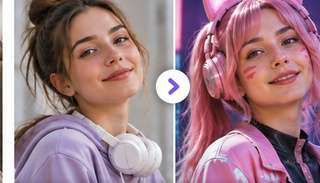
Turn a selfie into an illustrated, anime, ghibli, storybook, or 3D-character-style portrait for an expressive social profile.
For avatars and creative posts
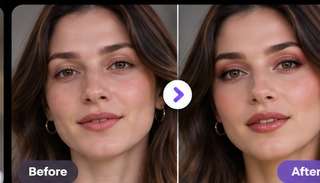
Specify a precise change, combine a few adjustments, and tell the editor which parts of the photo should remain untouched.
For precise, combined photo edits
You do not need to learn manual masking or layers just to experiment with a photo. Start with the simpler path that matches your idea.
Best for common edits
Pick an available option when the task is clear, such as facial expression changes, hair edits, grooming changes, or selected face retouch details.
Best for specific edits
Tell the editor exactly what should change and what should stay. This is especially useful for a subtle face retouch or a particular combination of edits.
Use Media.io as a face photo editor on your browser. The same three steps work for a quick preset and a more detailed text instruction.
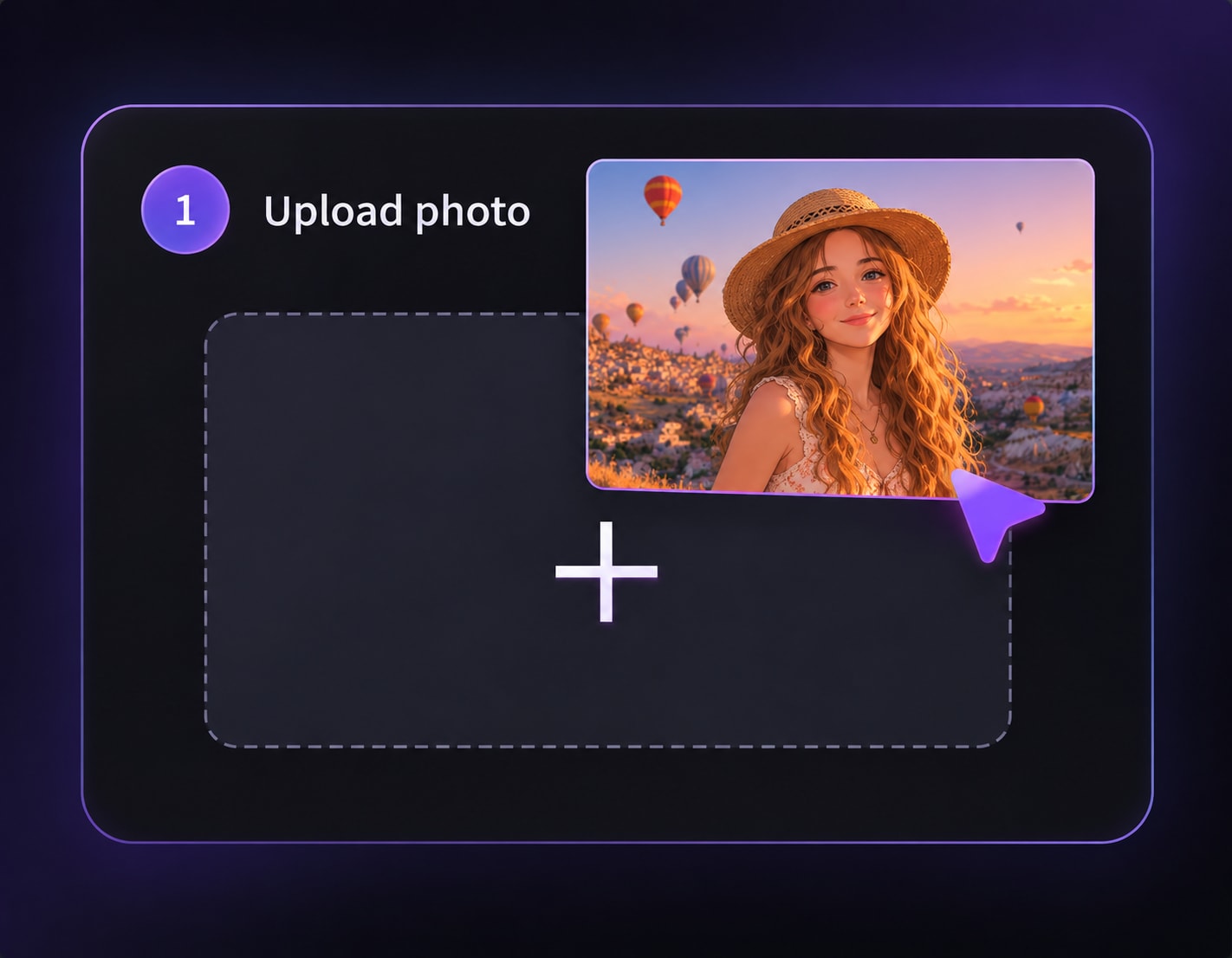
Open Media.io AI Face Editor and upload the existing selfie or portrait you want to change.
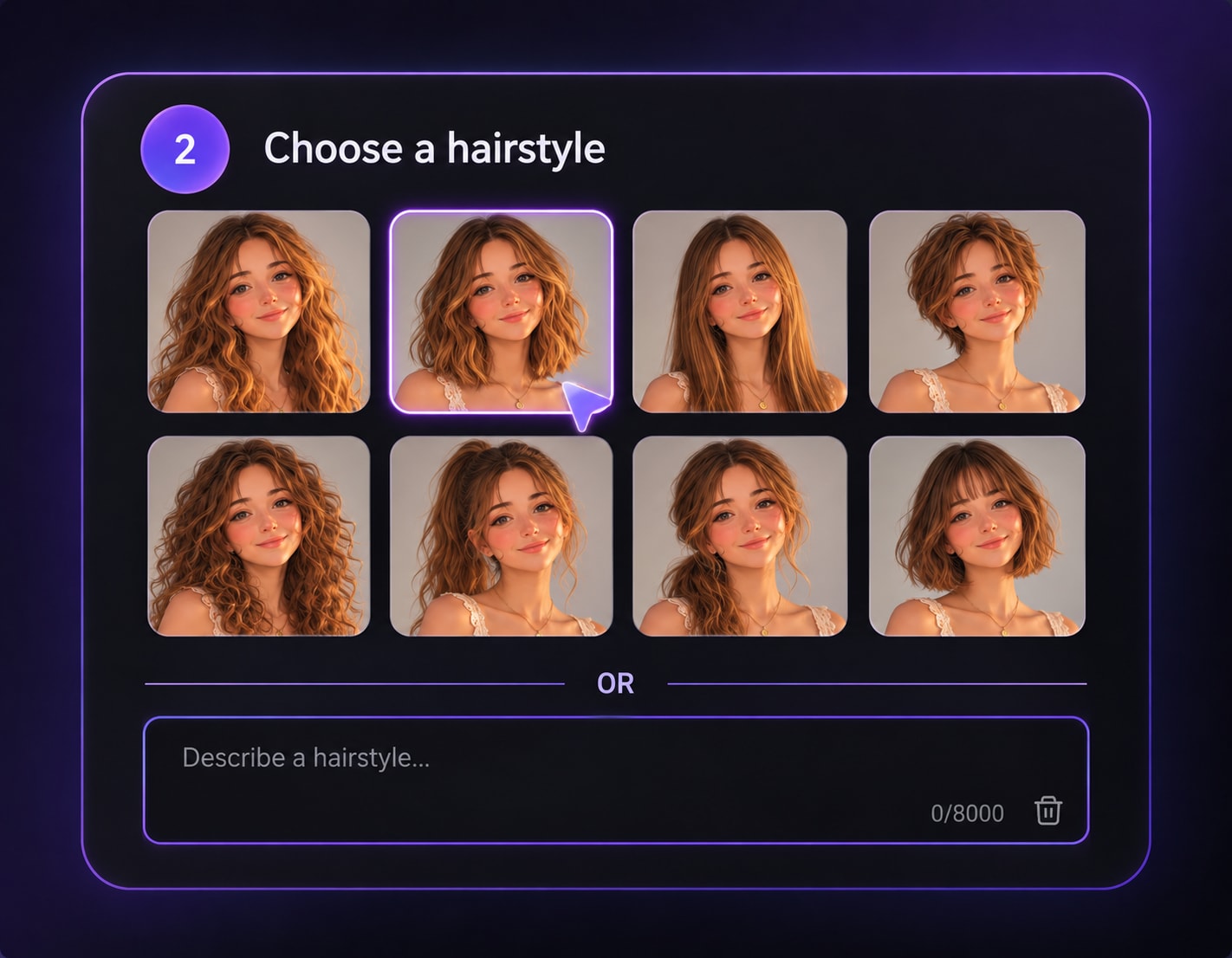
Choose an available effect for retouching, expression, hairstyle, or appearance. For a precise edit, describe it in the prompt field.
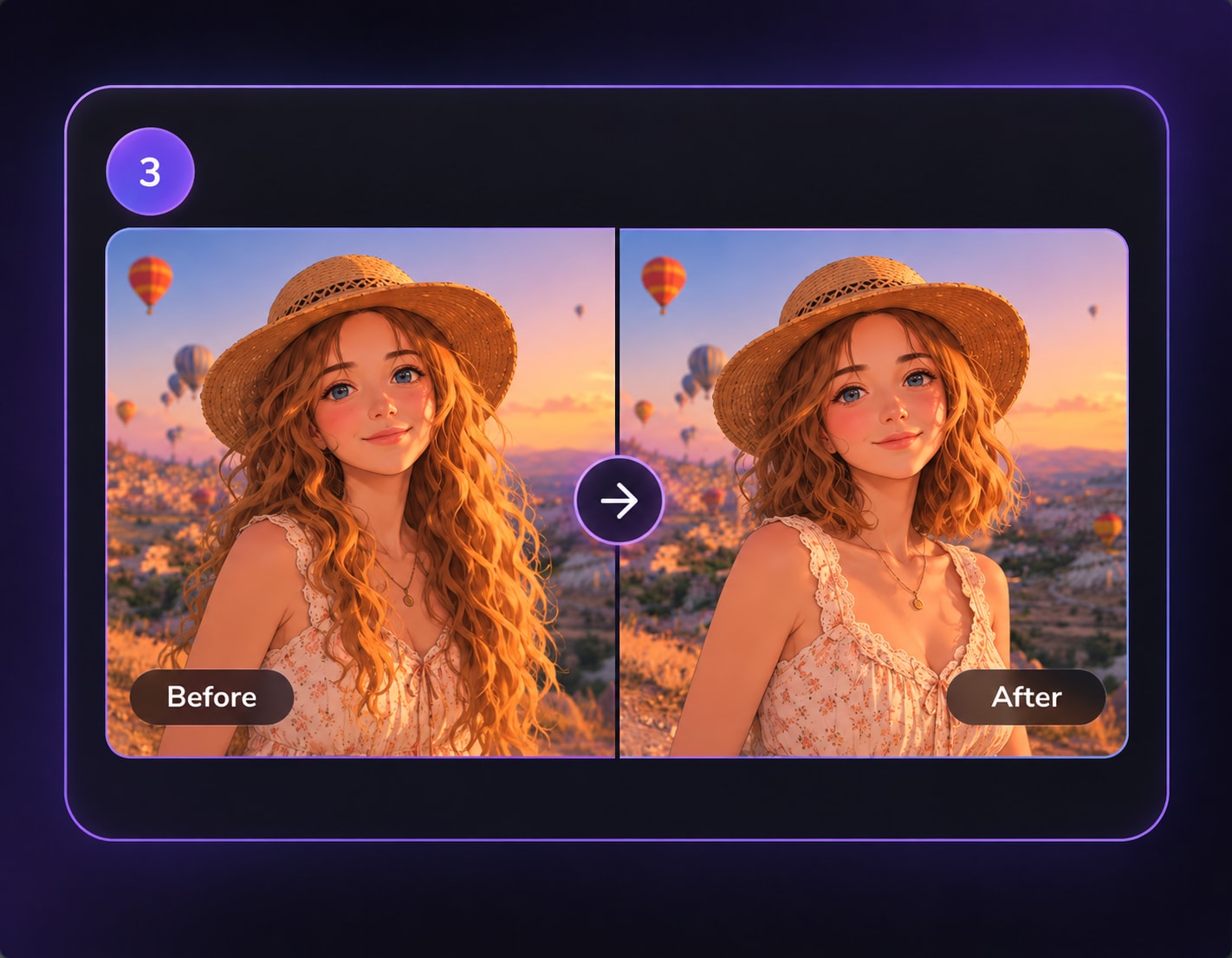
Click Generate, inspect the edited face, and adjust the preset or prompt if the photo needs another pass.
A good candid photo shows a little under-eye puffiness. Try a subtle retouch prompt rather than applying a drastic beauty filter.
Selfie touch-up · Check the result: Keep the skin texture and lighting natural.
The posture and composition work, but the face looks too serious. Try a gentle smile or expression preset.
Profile or group portrait · Check the result: Check the eyes, mouth, and identity after editing.
Compare a short haircut or different beard without needing to recreate the original photo.
Hair and grooming preview · Check the result: Treat the result as a visual idea, not a guaranteed real-life outcome.
Start with your own face photo, choose an art style, and keep recognizable visual traits in the prompt.
Avatar and social content · Check the result: Review hands, accessories, and facial proportions in stylized output.
Specific instructions are more useful than simply asking for a "better face." Start with the examples below, and change the details to match your own photo.
Gently reduce the appearance of under-eye bags and soften fine lines in this portrait. Keep natural skin texture, face shape, expression, lighting, and background as close to the original as possible.
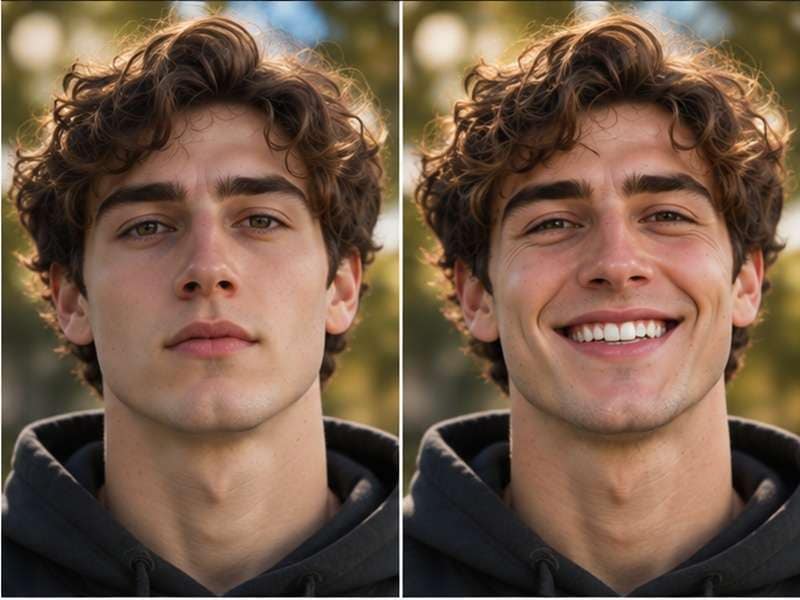
Give the person a small, relaxed smile. Keep the same person, hairstyle, clothing, camera angle, and surroundings. Avoid changing facial proportions or making the smile exaggerated.
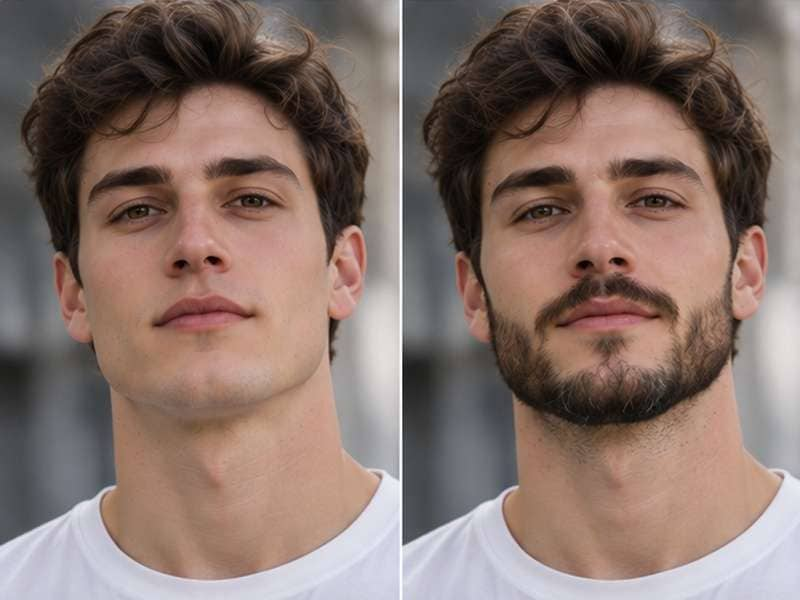
Preview a short textured hairstyle and light stubble on the person in this photo. Keep the face recognizable, and leave the outfit, pose, and background unchanged.
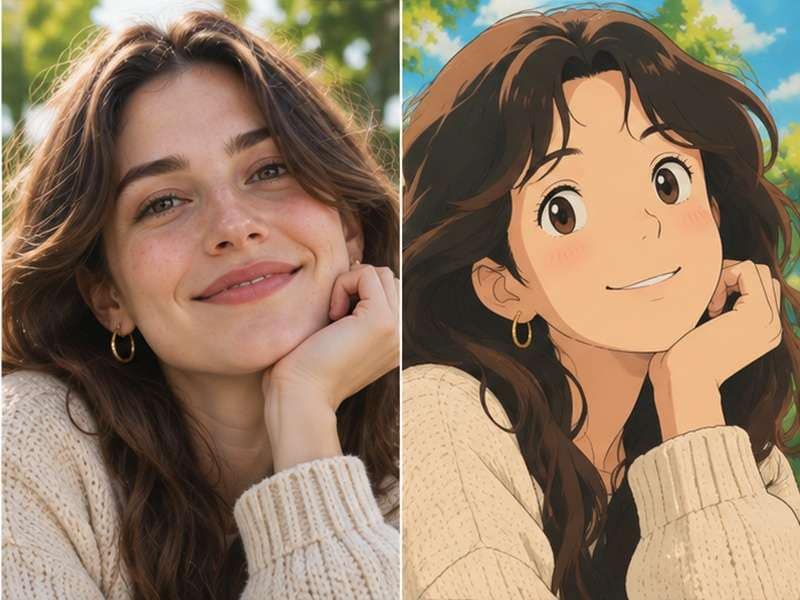
Turn this portrait into a warm hand-painted anime-style illustration with soft colors and subtle linework. Keep the pose, main hairstyle, clothing colors, and recognizable features of the original photo.
AI face retouching works best when the requested change is clear. The output is an edited interpretation of your photo, so a careful review is still important. Explore the best ChatGPT prompts for photo editing without changing the face.
If your goal is a natural face retouch, start with one area such as under-eye puffiness or teeth. Review it before combining multiple edits.
A custom prompt can ask to retain recognizable facial features, pose, skin texture, and the scene. Check the actual result rather than assuming perfect preservation.
Look closely at glasses, teeth, eyes, hairlines, and parts of the face affected by shadows or occlusion. Complex inputs may need another attempt.
An AI face editor changes selected facial details or the appearance of a person in an existing photo. With Media.io, you can choose an available preset for a common edit or describe a more specific change in a text prompt.
Open Media.io AI Face Editor, upload a portrait, select a face editing preset or enter a custom prompt, and click Generate. Review the result and adjust your instruction if you want a different version.
Yes. Media.io provides a browser-based face editing workflow. You can open the online tool on a supported device without installing a separate desktop face editing app.
Use a targeted preset or prompt for one detail at a time, such as reducing the appearance of under-eye bags or brightening teeth. Ask the AI to retain the facial proportions, skin texture, lighting, and background. Results can vary, so compare them with the original photo.
Choose a preset when it matches a specific task, such as an expression, hairstyle, or facial detail. Use a custom prompt when you want to combine edits or describe exactly what should change and what should stay the same.
Media.io Face Editor includes options for changing expressions and hairstyles, adding or removing facial hair, and other face appearance edits. The selection of presets may change, so check the options displayed in the tool.
No. A face editor modifies the appearance or details of the face in the photo you upload. A face swap replaces a face using a different source face; Media.io provides that as a separate workflow.
You can open the online Face Editor and review its available options. Free usage, credits, download rights, and any watermark conditions depend on the current plan and are shown in the product. Check those terms before generating or exporting.
A clear photo with a visible face and even lighting gives the editor more facial detail to work with. If a face is heavily blocked, extremely small, or turned away, the result may need extra review or a more specific prompt.
Discover more ways to edit your photos with Media.io. Try virtual haircuts and bangs, enhance image quality, remove unwanted backgrounds, or explore creative AI image transformations.
 Edit Face Online Now
