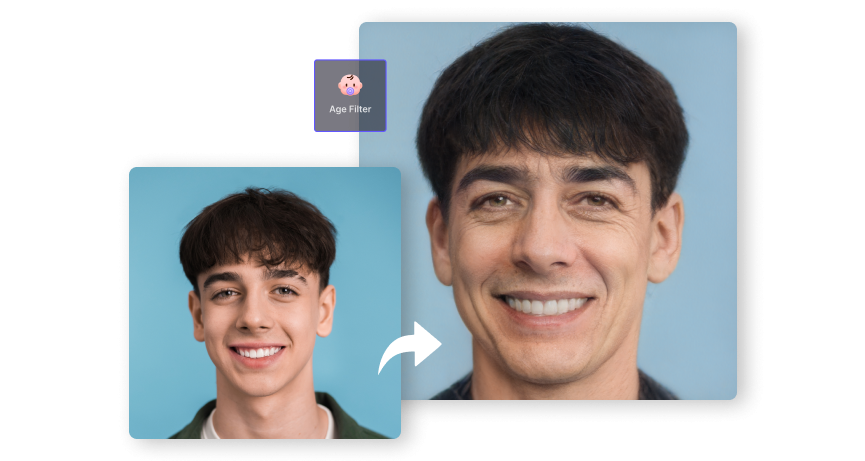
AI Age Filter – See Your Younger or Older Self Online
Upload a clear face photo and use Media.io's AI age filter to create an older or younger version of yourself online. Try realistic-looking age transformation effects, explore your future self, or use an AI age reducer to make a face appear younger.
Quick Answer
How Does an AI Age Filter Work?
An AI age filter lets you upload a portrait photo and create an AI-generated version that appears older or younger. To get started, upload a clear photo with a visible face, choose the age transformation direction or age effect you want, and generate your result. You can use it to explore a future-self look, create an age increase effect, make a face look younger, or experiment with creative before-and-after transformations.
Published by Media.io · Updated August 28, 2026
Create Older or Younger Looks with AI Age Transformation
Media.io combines AI face analysis and image transformation technology to help you create different age appearances from one reference photo. Whether you want an AI aging photo online, an age increase AI effect, or a younger-looking face, you can experiment with different visual directions in a browser.

AI-Powered Face Transformation
The AI age filter analyzes visible facial features in your uploaded image and generates a transformed version with age-related visual changes. Depending on the selected direction, the result may add or reduce details associated with different stages of life.

Explore Different Age Directions
Use the tool as an AI age changer to experiment with older or younger appearances. Create a future-self style image, try an age increase effect, or use an age reducer workflow when you want a more youthful visual transformation.

Create AI Aging Photos Online
No desktop software is required. Upload your image and generate an AI age transformation directly online. This makes it easy to test aging effects, compare before-and-after looks, and create shareable visuals from a single portrait.

Continue Editing with AI Face Tools
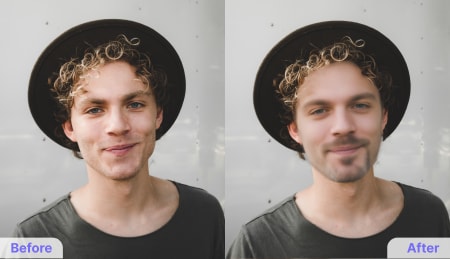
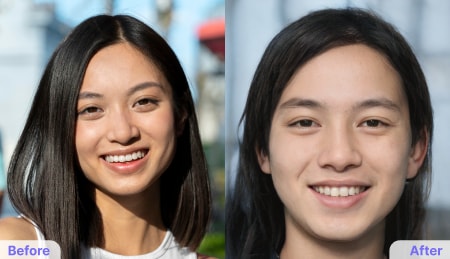
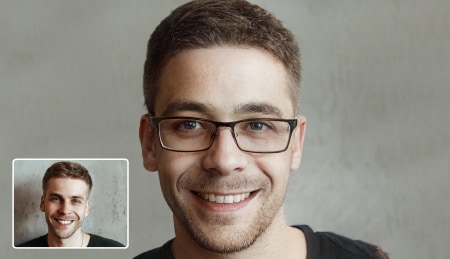
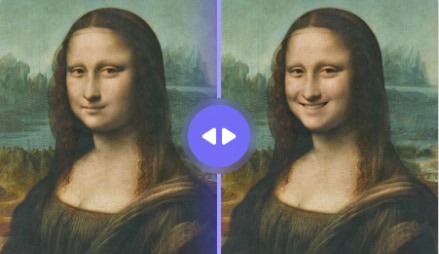
An age transformation can be the first step of a larger edit. Continue with the AI Face Editor to explore facial expressions, smiles, beards, glasses, gender swaps, and other creative face transformations.
What Can You Create with an AI Age Filter?
Age transformation is one of the most popular image-to-image editing use cases. Start with a reference photo and use AI to change the perceived age while keeping the original image as visual guidance.
See Your Future Self
Use a future self face aging changer to create a visual interpretation of how the same person might appear at an older age. This is useful for creative posts, family projects, and before-and-after experiments.
Create a Younger Version
Want to make a face look younger instead? Try Media.io's Age Regression AI for a dedicated younger-looking image transformation workflow.
Turn an Age Transformation into a Video
Use an older and younger reference image to create a transformation sequence. You can continue the workflow with Media.io's AI Image-to-Video tool to turn still images into a dynamic age transformation video.
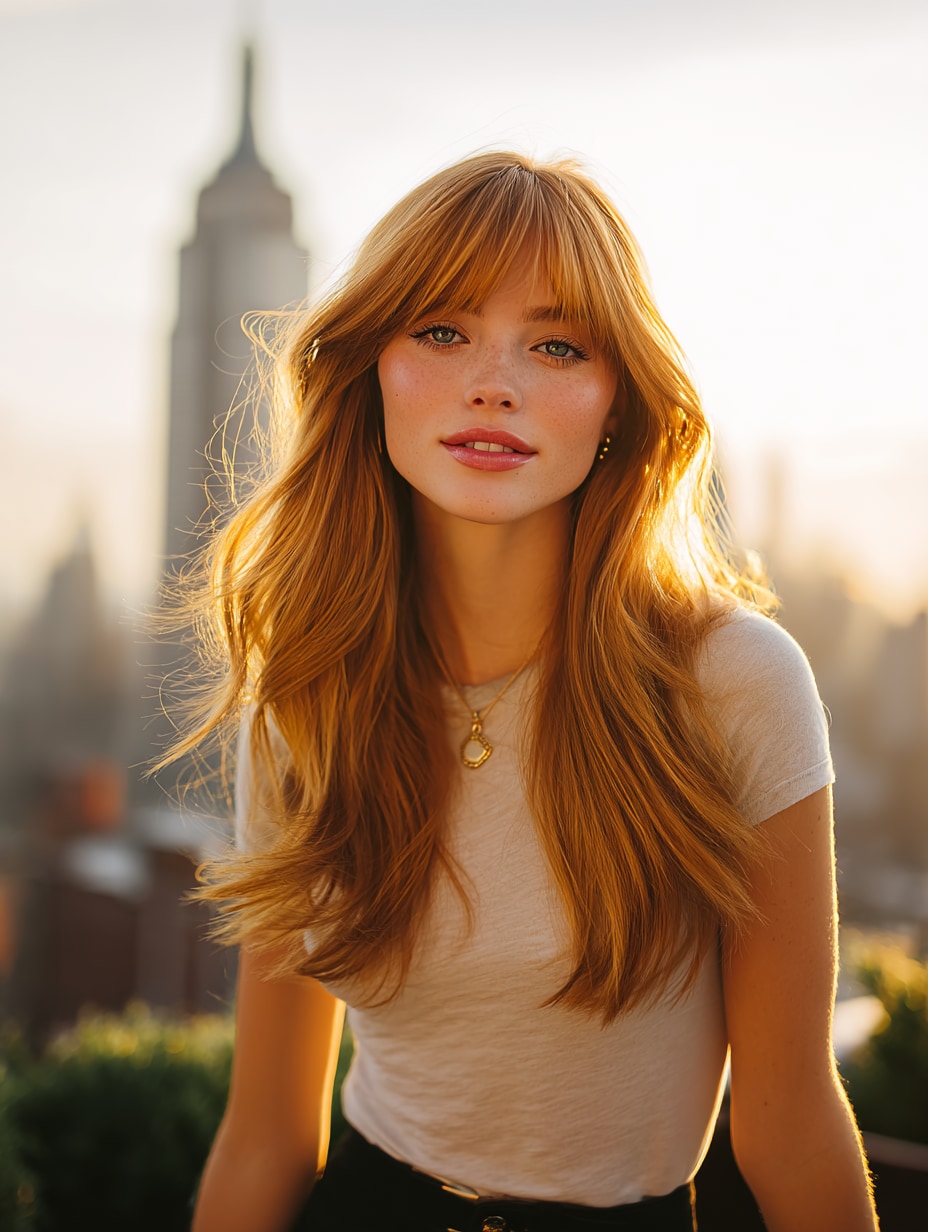
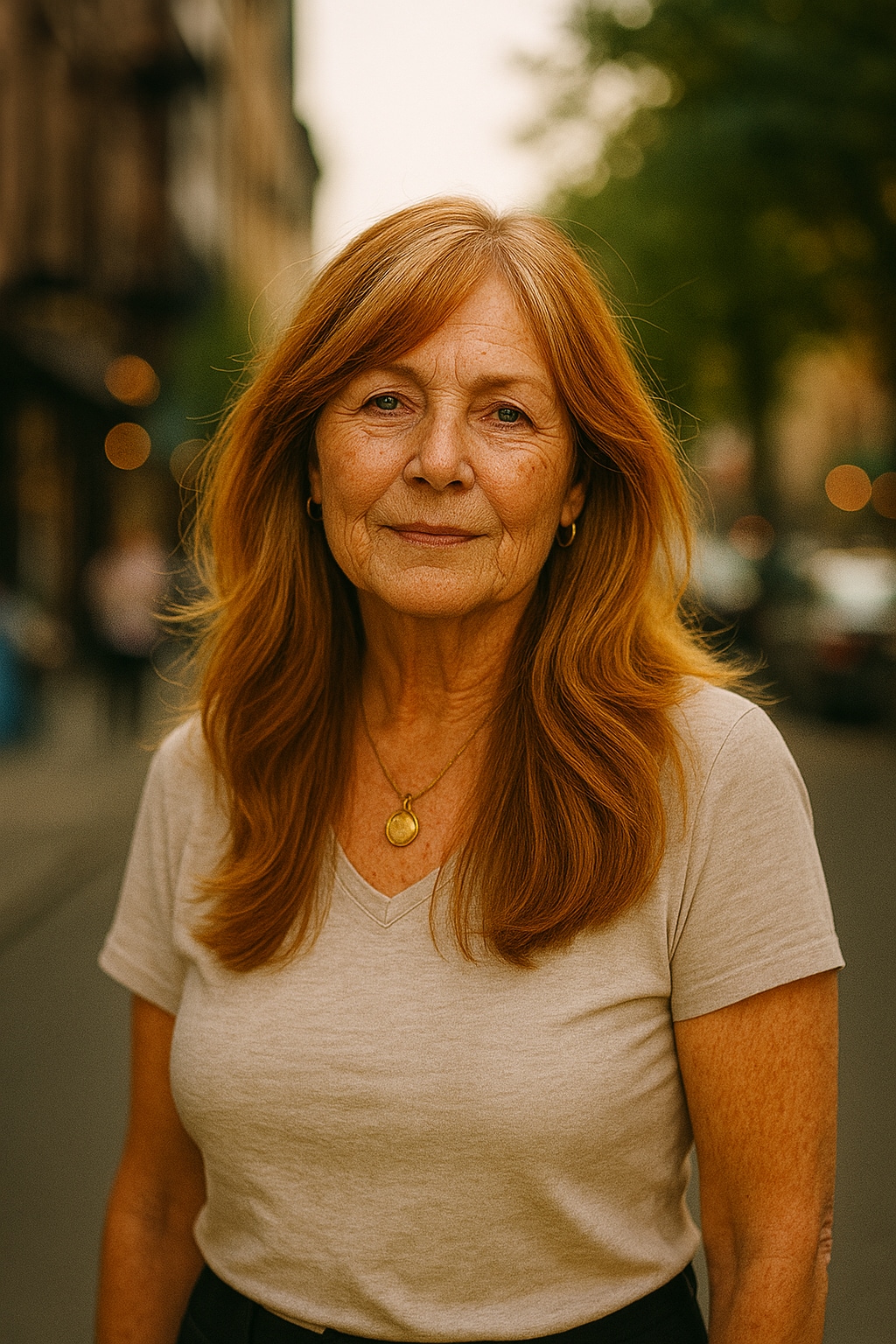
How to Use an AI Age Filter Online
Create an AI aging photo in a few steps. For the clearest result, start with a well-lit portrait where the face is visible and not heavily covered by sunglasses, hands, or objects.
-

Step 1. Upload a Clear Face Photo
Upload a portrait or selfie to the Media.io AI Age Filter. A clear, well-lit image with the face visible gives the AI more visual information to work with. Common image formats such as JPG, JPEG, PNG, BMP, and WebP are supported.
-

Step 2. Choose an Older or Younger Look
Select the age transformation direction you want. Use the AI age changer to explore an older appearance, or choose a younger-looking workflow when you want an age reducer style result.
-

Step 3. Generate, Review, and Download
Start the AI generation and review your age transformation result. If you like the visual direction, download the image. You can also continue editing the result with other Media.io image and face tools.
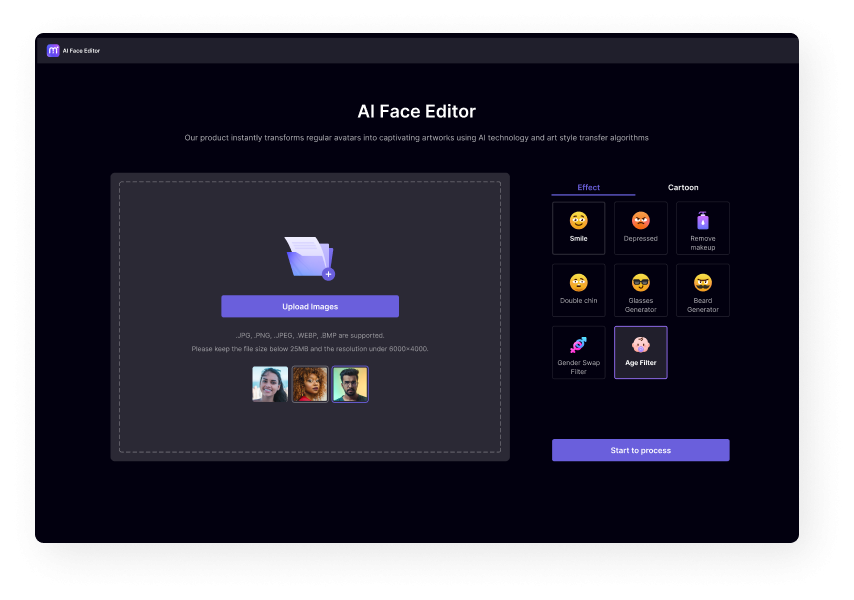
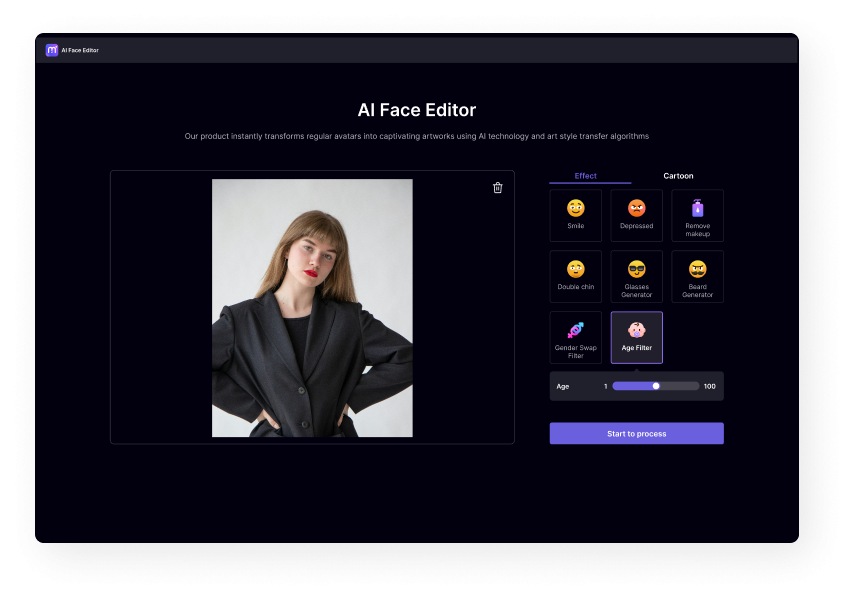
Step 1. Upload a Clear Face Photo
Upload a clear portrait or selfie with the face visible.
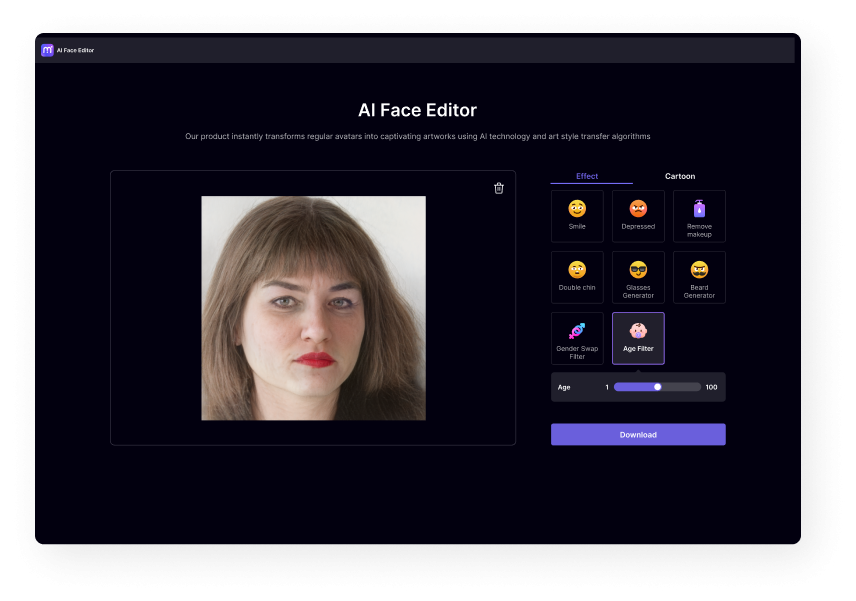
Step 2. Choose an Age Effect
Select an older or younger visual transformation.
Step 3. Generate and Download
Generate the AI age transformation, review the result, and save the image you want to keep.
Which AI Age Transformation Tool Should You Use?
Choose the workflow based on what you want to create. The AI Age Filter is best for a quick visual transformation, while other Media.io tools offer more specific image-to-image or image-to-video possibilities.
Make a Face Look Older
Use the AI Age Filter when your main goal is to create an older-looking version or experiment with a future-self visual.
Try AI Age FilterMake a Face Look Younger
For a dedicated younger-looking transformation, use Age Regression AI and start from a clear reference image.
Try Age Regression AITransform Photos into a Video
If you want motion between different age appearances, continue with Media.io's AI Image-to-Video workflow.
Try Image to Video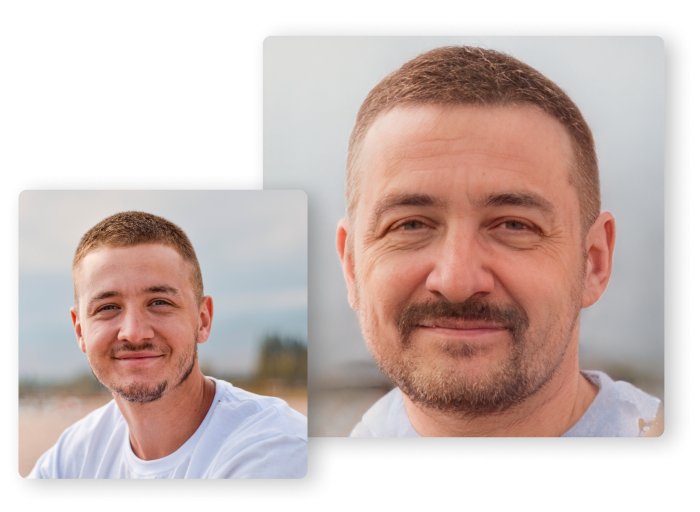
Preview a Creative Future-Self Look
Curious about how you might look at another stage of life? Upload a portrait and use the AI age filter to create an older-looking visual interpretation. Compare different transformations and use the result as a creative future-self photo rather than an exact prediction of real-world aging.
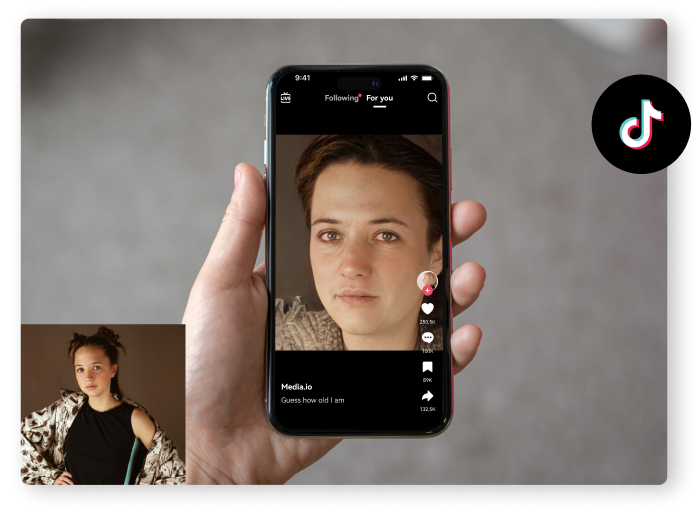
Create Shareable Before-and-After Content
AI age transformation is useful for social media storytelling and creative before-and-after posts. Create a younger and older version of the same portrait, then share the comparison as a time-travel style visual, challenge, meme, or transformation sequence.
Have Fun with Friends and Family
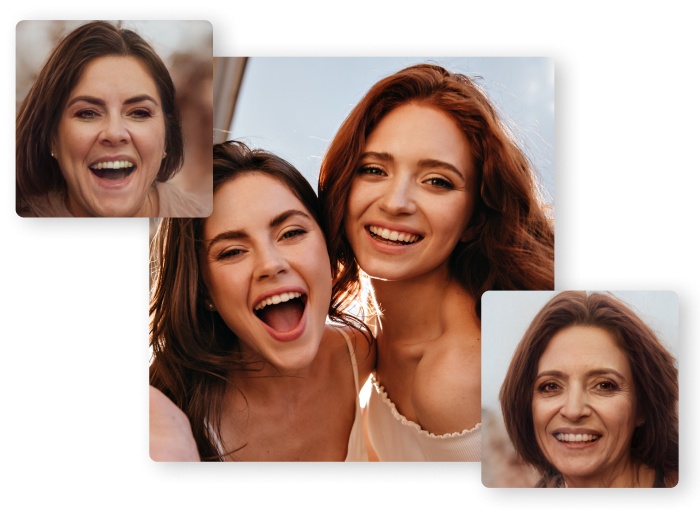
Create playful age transformations for group chats, family projects, birthday posts, and creative photo experiments. You can compare younger and older visual styles, recreate a time-travel theme, or generate transformation content for entertainment.
Experiment with Creative Image-to-Image Editing
Age transformation is only one type of AI image-to-image editing. Use your original photo as a reference and continue exploring facial styles, expressions, accessories, and other creative transformations with Media.io's image and face editing tools.
Continue Editing with More AI Face Tools
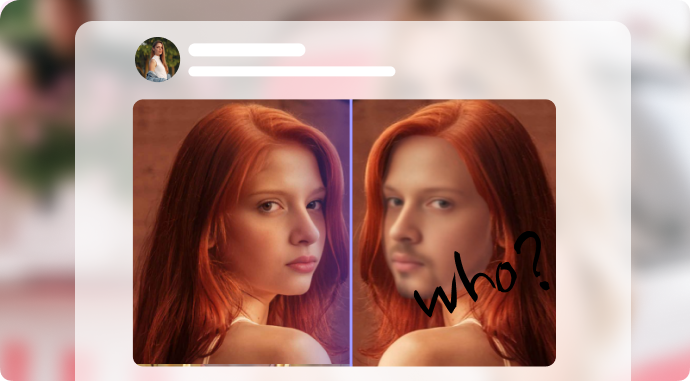
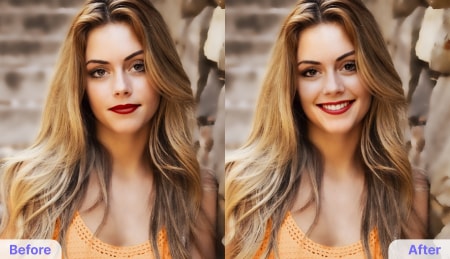
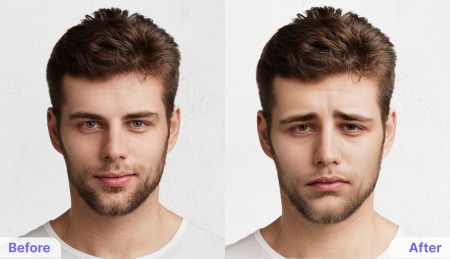
After creating an age transformation, continue your image editing workflow with more Media.io AI tools. Change expressions, add facial accessories, experiment with different looks, or make additional creative image-to-image edits.
AI Age Filter FAQs
-
?
1. What is an AI age filter?
An AI age filter uses an uploaded image as visual input and generates a transformed version that appears older or younger. The output is an AI-created visual transformation rather than an exact prediction of how a person will naturally age.
-
?
2. How do I use an age filter online?
Upload a clear portrait photo, choose the age transformation effect or direction you want, and start the AI generation. After reviewing the result, download the image or continue editing it with other AI tools.
-
?
3. What kind of photo should I upload?
A clear portrait or selfie with the face visible is recommended. Images with good lighting, a recognizable face, and minimal obstruction generally provide better reference information for the AI transformation.
-
?
4. Can AI make me look younger as well as older?
Yes. If your goal is to create a younger-looking version of a face, you can use an age reduction workflow such as Media.io's Age Regression AI. The best tool depends on whether you want to emphasize aging or a younger visual transformation.
-
?
5. Is an AI aging result an accurate prediction of my future appearance?
No. AI age transformation generates a creative visual interpretation based on image patterns and the reference photo. Real-world aging is influenced by many factors, so the generated result should be viewed as a creative simulation rather than a precise future prediction.
-
?
6. What else can I do after creating an age transformation?
You can continue editing with AI face filters, create a younger or older comparison, or turn your transformed images into a dynamic video with Media.io's AI Image-to-Video tools.
Try an AI Age Transformation in Your Browser
Upload a clear portrait and explore an older or younger-looking version with Media.io's AI Age Filter. Generate your image, compare different visual directions, and continue editing with more AI tools.
Try AI Age FilterMedia.io provides AI-powered creative tools for image transformation. Generated results may vary based on the source image and should be used as visual creations rather than factual predictions.
Your Age. Your Creative Transformation.